Categories
Uncategorized

RPG Hack Slash Game: Targeting

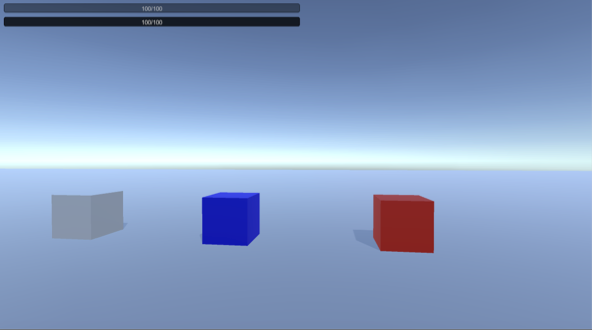
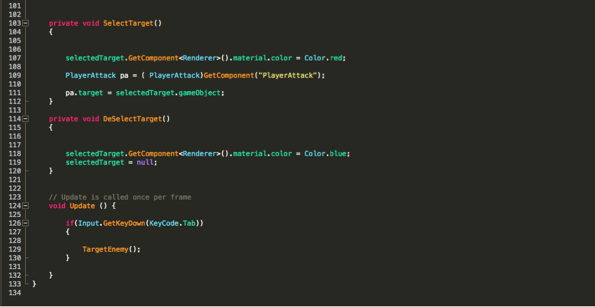
Today i created a targeting system for the player. This is done by a creating a target script where it mark the colour of the target that the player is selecting and change colour when the player selects the target. Also once the target is selected, the player can then attack the enemy(which are the cubes in this case) pressing the attack key and enemies health will deplete. This is a very useful feature and will come useful later on when the enemies models are introduced. Below are the examples of the cubes and the target script
Screen Shot 2016-12-13 at 16.25.54

Figure 1: Player Selecting which enemy to attack
Screen Shot 2016-12-13 at 16.26.58

Figure 2: Target Script
Categories
Uncategorized

RPG Hack Slash Game: Characters Stats Setup

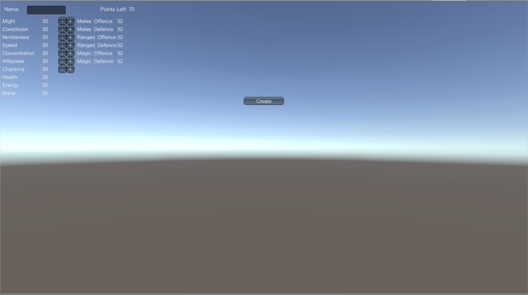
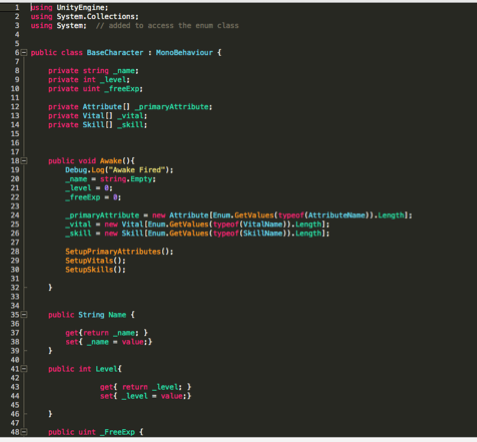
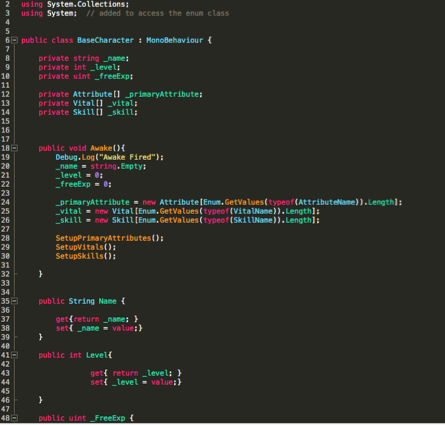
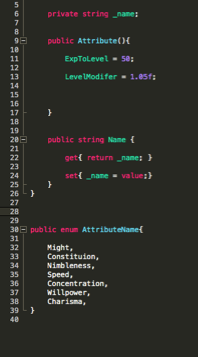
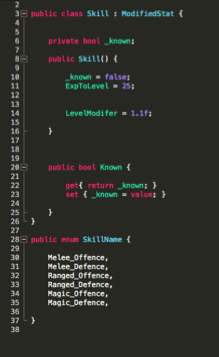
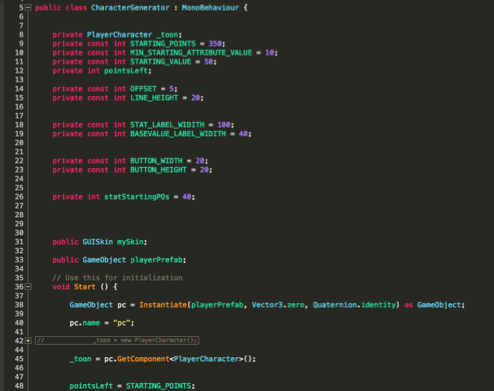
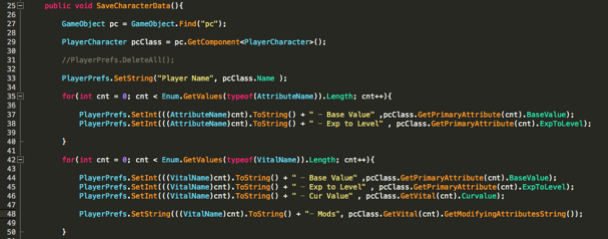
This today and this month I am working on the character stats setup. In RPG games this is the most important set before i ever think of producing the game. It is vital that there is a system in place for the player to select a character and level up their stats. In the screenshot a character selection screen along with the initial stats is created.

Screen Shot 2016-12-13 at 16.36.08

Figure 1: Create Character Selection + stats

Screen Shot 2016-12-13 at 16.35.32

Figure 2: Character Base Stats

Screen Shot 2016-12-13 at 16.35.22

Figure 3: Character Exp / Level System

Screen Shot 2016-12-13 at 16.35.15

Figure 4: Character Attribute Names and Exp Modifier


Screen Shot 2016-12-13 at 16.34.58

Figure 5: Character Skills

Screen Shot 2016-12-13 at 16.34.49

Figure 6: Character Generator(Loads the model)

Screen Shot 2016-12-13 at 16.34.22

Figure 7: Character Save data( Stores and saves the Character and Username)

Categories
Uncategorized

RPG Hack Slash Game: Early Progress the Player Controls and Enemy Movement

The next step is create a couple of scripts that controls the players and enemies movements. Also the attack script is implemented into both the players and enemy game object. 

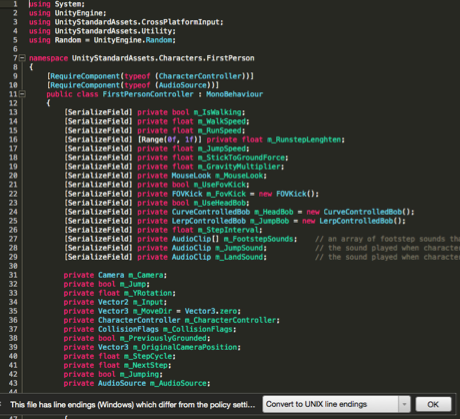
To do this firstly a third person controller and script is attached to the Player game object. This will allow the object (which is the player game object in this case) to be control using the keyboard controls. Below is an example of the script.

Screen Shot 2017-01-17 at 17.09.02
Figure 1: Third person Controller Script


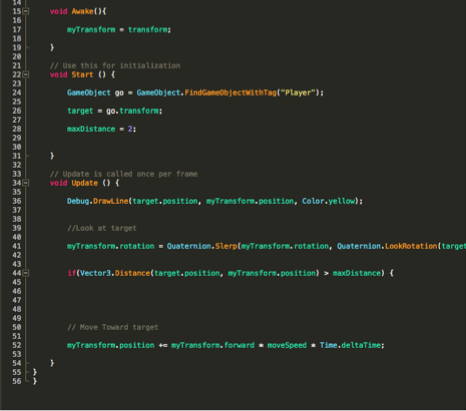
The next step is to implement a way for the enemy to move towards the player. This is achieved by using a function that allows the enemy to see the player and then rotate and move towards the player. When the player moves away the enemy will continue to follow them. Below is the script i used for the enemy chase.

Screen Shot 2017-01-17 at 17.10.03
Figure 2: Enemy Attack Script: Chasing the Player

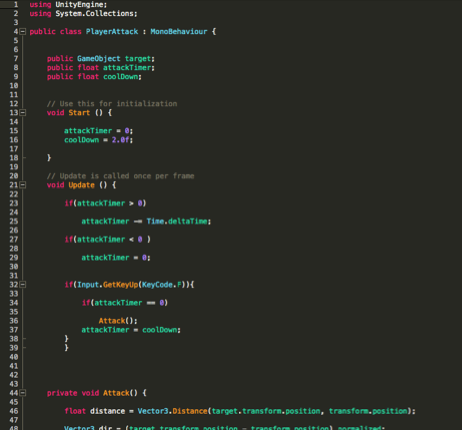
Once the script is created the next step is to implement the player attack script. This will allow the player to able to attack the enemy. Down the line it will be developed into a more complex structure such as selecting which enemies to attack and maybe potential interacting with objects. Below is the script.

Screen Shot 2017-01-17 at 17.09.35
Figure 3: Player Attack Script.

Categories
Uncategorized

Unity Shooter Game Completed

Funz Shooter is a shooter game created for PC. 

This project is just a simple demonstration of using C sharp to create the mechanics and involved using new techniques such as the Navigation system in order to the AI path. Also the levels were designed using a generator algothrim which was also designed using C sharp code.

Even though the game is finished, i will work twerking the bugs and appearance of the game.

Categories
3D Design

Unity Community Art Competition April 2016 Ghost Busters: Models

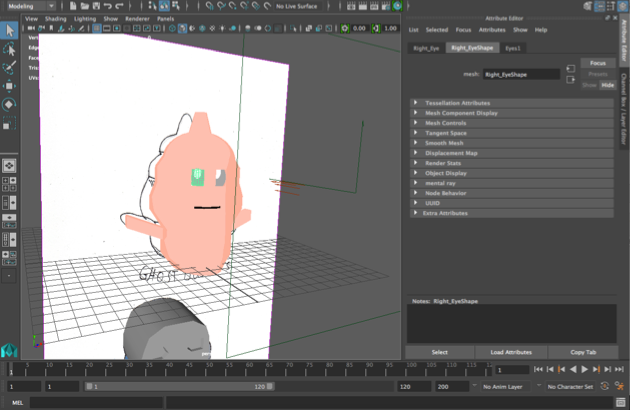
Screen Shot 2016-04-21 at 12.25.01

Figure 1: Modeling Test

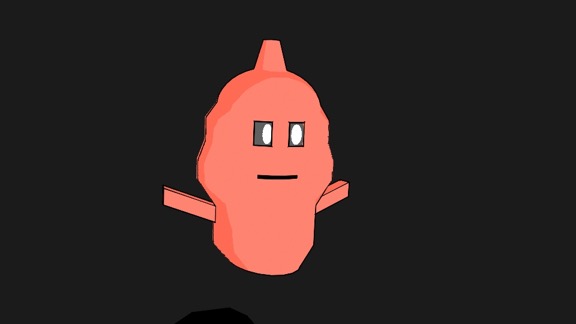
Ghosbuster_1

Figure 2: Render Test using Toon Shader

Categories
3D Design

Unity Community Art Competition April 2016 – GhostBusters: Introduction

After working my brochure and my game projects I have resumed the Unity Community Art Competitions. 

The theme for this month is ghost busters which will open some fresh ideas and give me the opportunity to try new techniques.

Categories
Game Projects

Next Upcoming Projects

This section will be a reflection of the year so far and of what to come next year. It has certainly been a interesting year, from working on the brochure to experimenting the 2D tools in Unity 3D.

I am currently experimenting a bit in Xcode 3D, since you can now upload and test apps on your phone for free instead of paying £100 a year for apple developer. However you still got to pay if you want apple to sell your app in their app store.

As for the future, the next aim would be learning how to produce a RPG(Role playing game) game and revive the Metoria Game Project. Also i am quite interested to test out Sketchfab 3D Animation features by potentially upload any 3D Animations

.ComingSoonRPG_Game  ComingSoonShooter_Game

Categories
3D Design

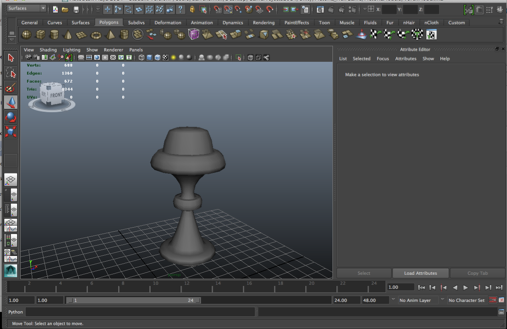
Modelling the 3D Torch Asset

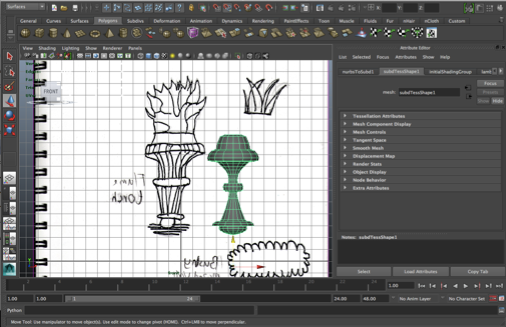
This week i created a torch model for my game. The first step was to do a design drawing of the torch. Once the model was sketched, it was used a reference in Maya Autodesk.

Screen Shot 2014-09-01 at 12.25.26

Figure 1: Sketched Drawing of the Torch.

In order to accurately design and get a more organic shape, I used a nurbs splines drawing tool.
Once the shape was drawn, i then used the NURBS spline function and it produced the result as shown below in figure 2.


Screen Shot 2014-09-01 at 12.22.50

Figure 2: Torch Model

The next step is to add a texture to the mesh before importing it to Unity 3D.

Categories
Uncategorized

Junior 3D Modeller Technical Exercise.

For the purpose of this task, I produced 3 models to demonstrate my 3D design skills, thought process and get a feel of the workflow used when designed house hold products. 

In order to produce the products, 2D diagrams was used as a reference to get all the measurements. This is to ensure that the models matches the original products as close as possible. Once the measurements were made, I then designed the products using 3ds Max ’s tools such as Edit Poly and Edge loop.

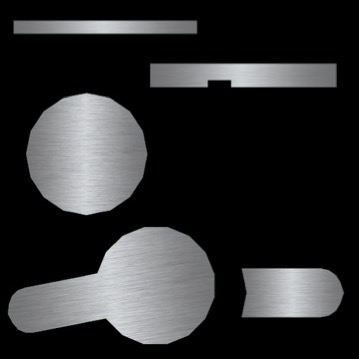
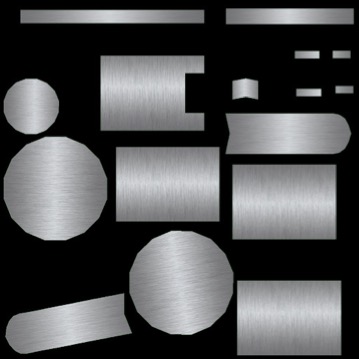
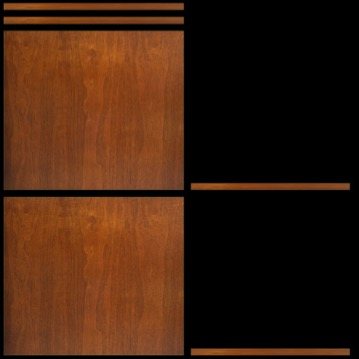
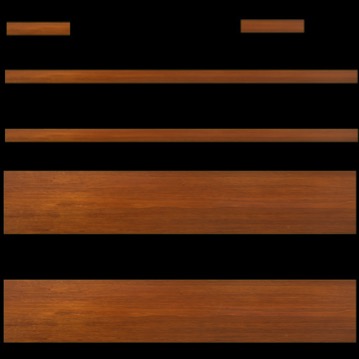
After designing the models, I then selected my textures and laid out all my uv textures using the Unwrap UV tool in 3ds Max and Photoshop. The end result is shown below in figure 1 – 4.

Central_basin_monobloc_Top  Central_basin_monobloc_Bottom

Figure 1&2: Central_basin_Mononloc_tap Uv Texture Maps

Celeste_60_Unit_American_Walnut_FrontBottomCeleste_60_Unit_American_Walnut_FrontTop

Figure 3&4: Central_60_Unit_American_Walnut Uv Texture Maps

Once the models are textured, they are ready to be rendered and viewed. The end result is showed below in Figure 5 – 7.

Figure 5: Central_60_Unit_American_Walnut


Figure 6: Central_basin_Mononloc_tap


Figure 7: Bolonia_Countertop

Categories
Game Projects

Metoria Initial Game Environment

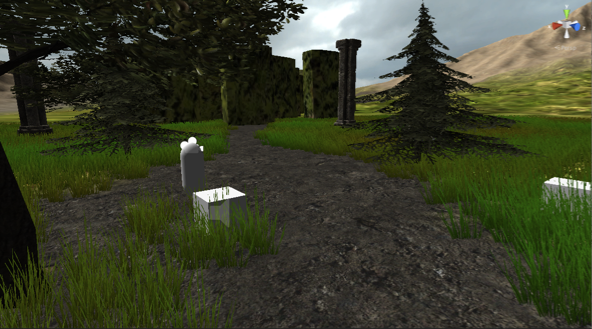
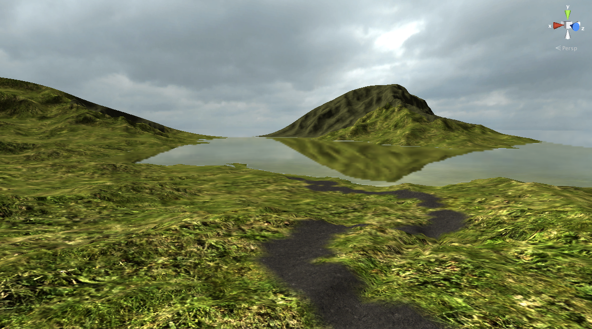
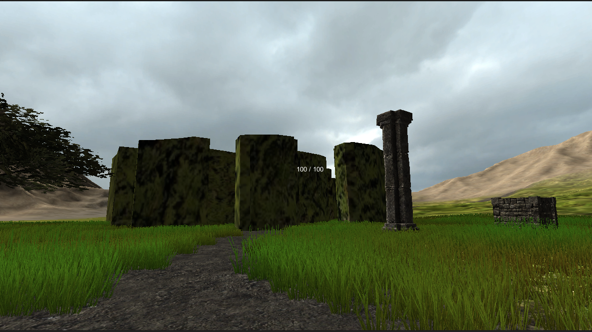
Below are the early stages of the game. This was used to get a feel of what the game environment looks like . More development will be updated in the future.

Screen Shot 2014-01-08 at 17.27.14

Figure 1: Starting point of the level


Screen Shot 2014-01-08 at 17.34.03

Figure 2: Lake scene

Screen Shot 2014-01-08 at 17.30.30

Figure 3: Maze Entrance